
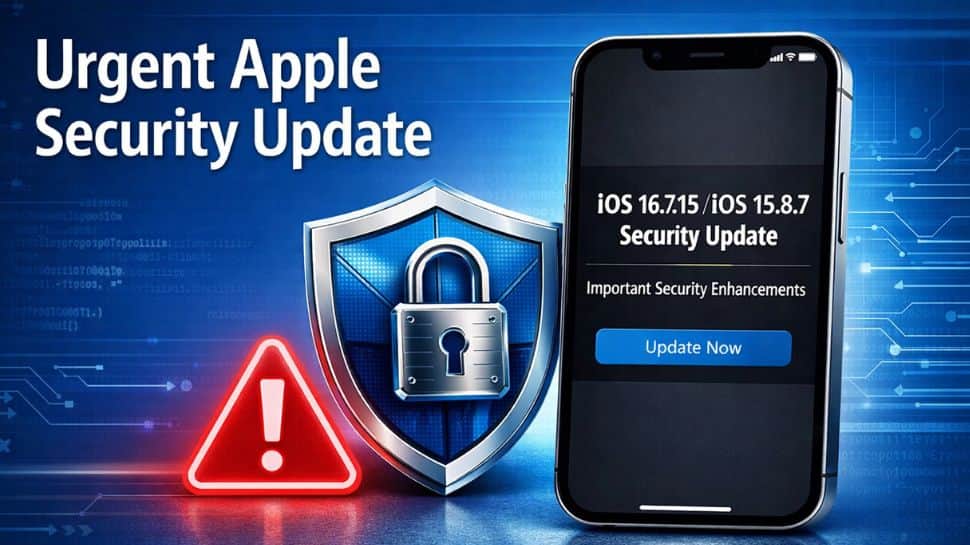
Apple Security Updates: When most people think of software updates, they expect new features, refreshed designs, or performance improvements. Sometimes, however, an update arrives for a much more urgent reason: security. That is the case this time. After researchers uncovered a serious vulnerability called Coruna, Apple has released iOS 15.8.7 and iOS 16.7.15 for older iPhones and iPads that can no longer upgrade to the latest iOS versions.
Phone X, iPhone 8, and iPhone 8 Plus are receiving the iOS 16.7.15 update, which fixes security issues in the kernel and WebKit linked to the exploit. Meanwhile, older devices such as the iPhone SE (1st generation), iPhone 7, and iPhone 6s are getting the iOS 15.8.7 update, which also includes important security fixes for these models.
The flaw, disclosed last week by researchers at Google and iVerify, is not just another routine bug. The vulnerability, known as Coruna, has been linked to targeted financial fraud attacks, raising concerns for users still relying on older Apple devices. By releasing these updates, Apple aims to protect devices that are no longer eligible for major software upgrades. In situations like this, installing the update quickly can play a crucial role in keeping personal data secure.
Coruna attack works like toolkit
The Coruna attack works like a toolkit. It chooses the best way to enter a device depending on the iPhone model and software version. Once inside, it can cause far more damage than simply accessing basic data. Security researchers say the attack combines several vulnerabilities to target devices running iOS versions between iOS 13 and iOS 17.2.1.
According to Apple, the problem was caused by a use-after-free bug, which is a type of memory error that can allow attackers to run malicious code. The company said the issue has now been fixed by improving memory management in the system. The vulnerability is officially tracked as CVE-2023-41974.
What is Coruna Exploit and how it works
The Coruna exploit was discovered earlier this month by the Google Threat Intelligence Group. Researchers say the attack mainly targets iPhones running older versions of iOS. According to a blog post by Google, the exploit is quite advanced and takes advantage of several weaknesses in the system. In total, it links five different iOS exploit chains and uses 23 vulnerabilities.
Apple also confirmed that Coruna can scan photos stored on an iPhone using Optical Character Recognition (OCR). This technology can read text inside images. For instance, if a user has taken photos of a bank card, a PIN reminder, or a note with passwords, the exploit may be able to capture that information without the user knowing. The attackers could then use this data to access online banking from another device and install a special tool designed to target certain banking apps.
How to install latest iOS 16 and iOS 15 update
Step 1: Open the Settings app on your iPhone.
Step 2: Scroll down and tap General, then select Software Update.
Step 3: Your iPhone will automatically check for any available updates.
Step 4: If an update appears, tap Download and Install, then read and accept the terms and conditions.
Step 5: Wait for the update to finish installing. Your iPhone may restart during the process.


