
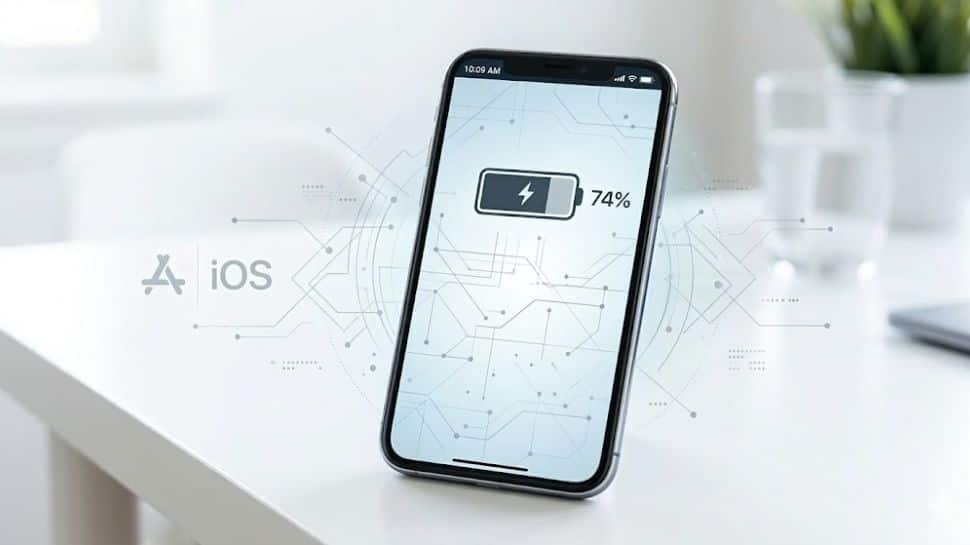
Smartphone Battery Tip: How to set charging limit on Android and iPhone for longer battery backup

Smartphone Battery Tip: In today’s fast-paced world of technology, smartphone battery health has become a major concern for many users, especially as we rely on our devices for work, entertainment, and communication throughout the day. Amid busy schedules and constant usage, one common mistake people make is charging their phones to 100% every time, which can gradually affect the battery’s lifespan.

Many modern smartphones now come with a charging limit feature that helps protect the battery and improve long-term performance. By setting a charging limit on your Android phone or iPhone, you can reduce battery stress, maintain battery health, and even get more consistent battery backup over time. In this article, we will guide you through a simple setting that can help your phone battery last longer.

What is a Charging Limit?

Many latest smartphones now come with a charging limit feature. This setting allows users to control how much their phone battery charges. With this feature, you can set a specific percentage for charging. Once the battery reaches that level, the phone automatically stops charging. if you set the charging limit to 80%, the device will stop charging as soon as the battery hits 80%. This helps reduce pressure on the battery and can improve its overall lifespan over time. (

How to set charging limit on Android Phone

Step 1: Go to the Settings app on your Android smartphone.

Step 2: Open the Battery or Battery Health section in the settings menu.

Step 3: Look for the Charging Limit or Protect Battery option available in the battery settings.

Step 4: Enable the charging limit feature by turning the option on.

Step 5: Set the charging limit to 80% or 85% to help improve battery health and lifespan.

How to set charging limit on iPhone

Step 1: Open Settings on your iPhone.

Step 2: Tap on Battery in the settings menu.

Step 3: Go to Battery Health & Charging to access battery settings.

Step 4: Find the option to set charging limit or enable battery protection.

How to prevent your Phone from heating and save battery life

If your phone is getting hot, it can slow down and even affect the battery. A common reason is running too many apps at the same time, so try closing apps you’re not using. Avoid heavy activities like gaming or streaming while charging, and take off the phone case to help it cool faster.

Keep your phone out of direct sunlight and lower screen brightness, GPS, Bluetooth, and mobile data when not needed. Make sure your software is updated and check for any suspicious apps. Restarting your phone can help, and if it still overheats, the battery might need replacing.


Latest

Pennsylvania sues AI company, saying its chatbots illegally hold themselves out as licensed doctors

Pennsylvania sues AI company, saying its chatbots illegally hold themselves out as licensed doctors

Samsung may have leaked Galaxy Z Fold 8 and new Wide Fold variant ahead of launch

Samsung’s Galaxy Z Fold 8 and a new ‘Wide Fold’ variant have been spotted in One UI 9. Leaks suggest a wider design. Here is what we know so far.

Roomba creator builds robot dog for pets and cuddles, uses AI to give it emotions

Colin Angle has unveiled Familiar Machines & Magic and introduced a dog-sized companion robot for homes. The project shifts his focus from cleaning machines to

India smartphone supplies to decline 10-12 pc in 2026, Vivo tops Q1 chart, says CMR

India smartphone supplies to decline 10-12 pc in 2026, Vivo tops Q1 chart, says CMR

AI generated podcasts are everywhere and it is becoming harder to stop them

AI-generated podcasts are rapidly increasing, raising concerns over authenticity, monetisation, and platform regulation across audio streaming services.

Topics

Sensex closes 940 points higher, Nifty jumps 24,300; IndiGo up 7%

Sensex closes 940 points higher, Nifty jumps 24,300; IndiGo up 7%

Jharkhand Class 12 toppers 2026: Rashida Naaz scores 97.8%, check stream-wise toppers

The Jharkhand Academic Council has announced the JAC Class 12 Result 2026 and released the stream-wise toppers list. Science student Rashida Naaz emerged as the

Jharkhand Class 12 Result 2026 Declared: Direct link, pass percentage and topper list

Students across Jharkhand have been eagerly waiting for their Intermediate scores as the academic year reaches its final stage. The declaration of the JAC Class

Why Bengal is the spiritual home of the BJP

BJP in Bengal 2026: History doesn't vanish overnight, it fades when people stop telling it. The West Bengal election's verdict might look political, but beneath

JAC Class 12 result soon? Digilocker shares latest update

The Jharkhand Academic Council's Class 12 result is expected soon after a DigiLocker update. The development has raised anticipation as students watch for the o

CBSE releases Class 10 second board exam admit cards. Direct link here

CBSE has released the Class 10 second board exam admit cards for 2026 on its official websites. The move clears the way for exams from May 15 and puts the focus

Sensex, Nifty open higher as oil drops on Trump’s Iran peace signal

Indian benchmark indices opened higher on Wednesday as lower oil prices and earnings-led moves boosted sentiment. The rise came with caution, as analysts flagge

Trump pauses Project Freedom as Iran talks advance, blockade stays

US President Donald Trump said 'Project Freedom' in the Strait of Hormuz is paused briefly as Iran talks advance, citing “tremendous military success,” whil
spot_img

Related Articles

Popular Categories

spot_imgspot_img