

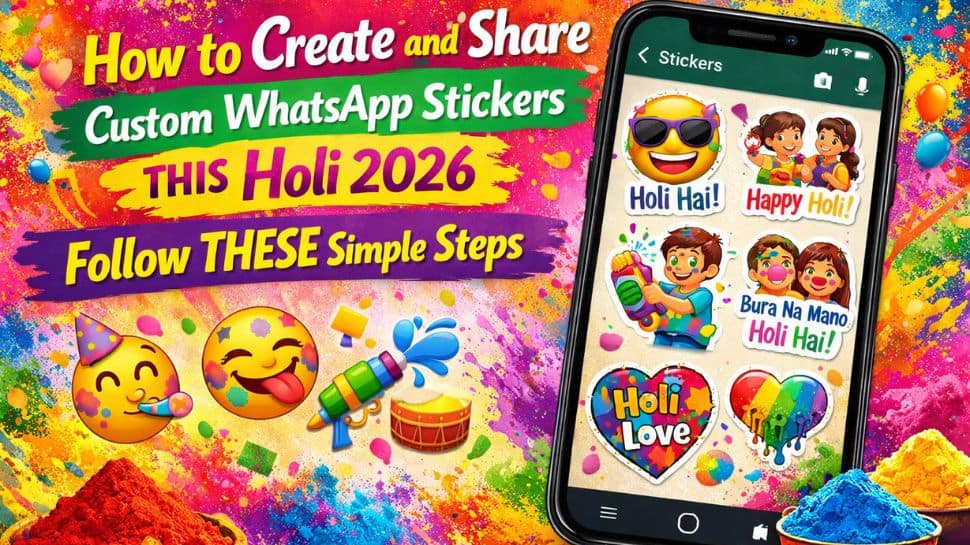
Holi Custom Stickers On WhatsApp: This Holi 2026, make your WhatsApp chats brighter and more fun with your very own custom stickers! Instead of sending plain messages, you can create stickers using selfies with colors, funny quotes, or even your name to make them unique.
WhatsApp now allows users to design, save, and share stickers and sticker packs directly in the app, without needing any third-party apps. You can turn photos into stickers, generate AI-based stickers from text, organise them into packs, and even share the entire pack with friends and family.
These stickers are perfect for reacting quickly, joking around, or expressing things that are hard to type. The process is simple and works on both Android and iOS, with only minor differences in the interface. Let’s explore how to create and share your own Holi stickers and make your festive chats extra colorful this year!
WhatsApp: How to create a custom sticker from a photo on Holi
Step 1: Open stickers in a WhatsApp chat and tap Create or the pencil icon.
Step 2: Select a photo from your gallery or take a new picture with your camera.
Step 3: Choose a preset from the preview screen to start editing.
Step 4: Add elements to your sticker: emojis, text (T icon), or drawings (pencil icon).
Step 5: Cancel anytime by tapping Dismiss (X icon) to start over.
Step 6: Send your sticker by tapping the ‘>’ icon in the chat.
Adding further, the Meta-owned platform WhatsApp also has an AI sticker feature that creates stickers from the text you type. This is useful when you want a specific sticker but don’t have it, letting you generate the perfect sticker instantly.
WhatsApp: How to create an AI sticker on Holi 2026
Step 1: Open the stickers section in any WhatsApp chat.
Step 2: Tap Create and select Generate with AI.
Step 3: Enter a short text related to Holi 2026 describing the sticker you want.
Step 4: Tap Generate to see the sticker options.