
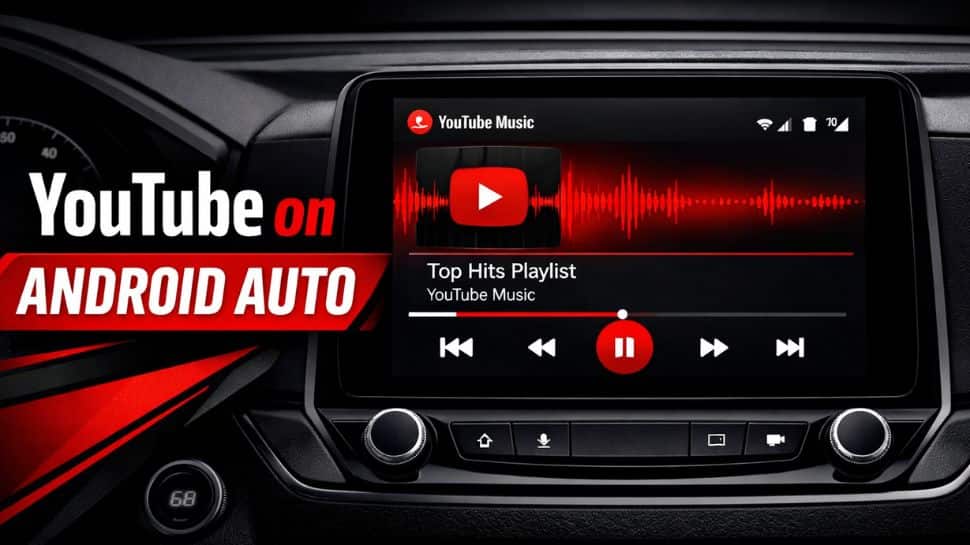
YouTube Background Play Android Auto: Google is reportedly rolling out YouTube support on Android Auto, bringing basic playback controls for users who listen to content while driving. It allows users to manage background audio directly from their car’s interface. However, it does not bring a full YouTube app experience to car screens.
However, the much-anticipated feature comes with strict limitations due to safety rules that restrict visual distractions while driving. In short, YouTube on Android Auto does not work like the regular mobile app. It must be noted that there is no official confirmation or announcement about the feature rollout.
According to posts on Reddit, particularly by user u/IGameShit, the update has begun rolling out to vehicle interfaces. However, it works only as an audio streaming service and not as a regular video app.
YouTube Background Play Android Auto: New Features
The new update reportedly lets users access YouTube on the Android Auto dashboard through a dedicated interface. It allows playback of podcasts, interviews, and news, but works differently from the regular mobile app. Users can play, pause, or skip to the next video using the car’s controls, whether physical buttons or touchscreen.
However, a YouTube Premium subscription is required for background playback, similar to how it works on mobile. It is important to note that this isn’t complete YouTube app for Android Auto. You can’t browse videos visually, and it only plays audio. Also, when you skip, it moves to the next video instead of jumping within the current one.
YouTube Background Play Android Auto: Limited to premium users
The feature is only available to YouTube Premium users. Background playback lets audio continue when the app is not open, and it is required for this feature. Users on the free version cannot use these controls.
This update is useful for people who listen to YouTube like an audio platform, such as podcasts, interviews, lectures, or long talks. It also makes it easier to pause or switch tracks while driving using Android Auto controls. However, there is a downside. You cannot search or choose videos from the car’s screen. You still need to start playback from your smartphone.


