
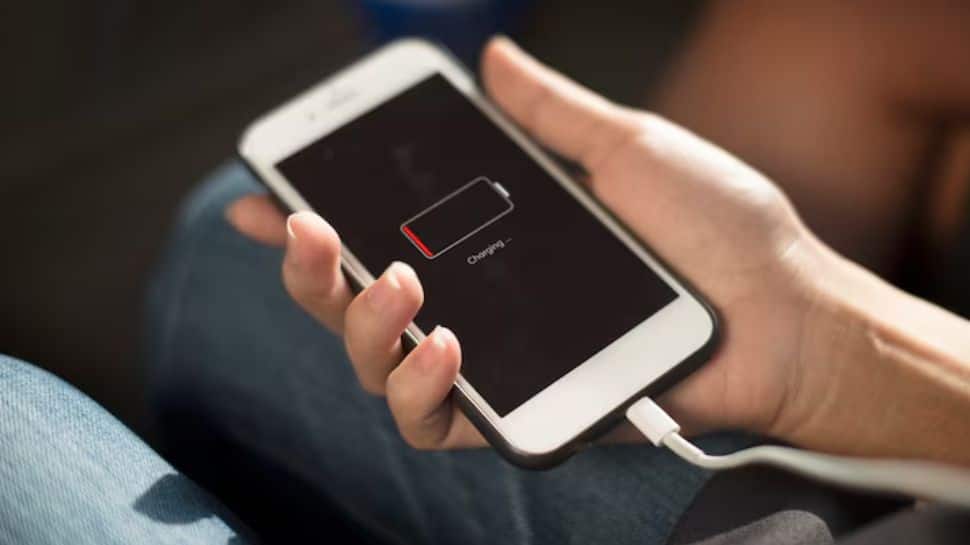
Battery saving tips: Does your smartphone’s battery also drain faster than usual, and you aren’t able to figure out why it is happening? Like you, many users often complain about fast battery drain but don’t realise that their devices already have built-in features that can significantly extend battery life. These hidden or less-used settings can instantly reduce power consumption without affecting daily usage much.
One of the most effective features is the built-in battery saver or low power mode, available on both Android and iPhones. When turned on, this feature automatically limits background activity, reduces screen brightness, and slows down certain processes to save power.
Smartphone experts say that enabling this mode can instantly extend battery life by several hours, especially when the battery level is low. On some devices, it can even restrict apps and switch off non-essential functions to maximise usage time.
Background apps
Another hidden drain comes from apps running in the background. Many apps continue to refresh data even when not in use, consuming battery silently. Turning off background app refresh or restricting app activity can make a noticeable difference.
Similarly, limiting notifications and background syncing helps reduce frequent screen wake-ups and data usage, which also saves power.
These small settings can boost battery life
There are several small tweaks that can boost battery life instantly. Using dark mode on OLED screens can significantly reduce power consumption, while turning off features like location tracking or the always-on display also helps.
Some Android phones even include advanced options like “Adaptive Battery,” which use AI to learn your usage habits and limit power for rarely used apps.
Why most users miss it
Despite being built into almost every smartphone, many users ignore these features because they are either hidden in settings or only activate automatically at low battery levels. However, tech experts suggest turning them on manually when needed, especially during travel or long days without charging.
In short, your smartphone already has powerful tools to save battery–you just need to switch them on.


