
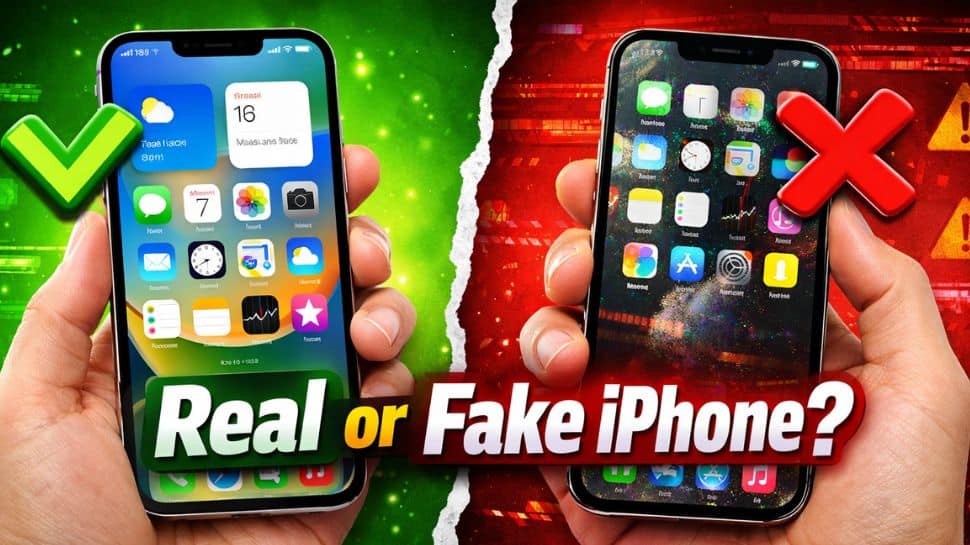
iPhone Real or Fake Check IMEI Number: Buying a new Apple iPhone is exciting, but it’s crucial to make sure it’s real. Nowadays, fake iPhones are also being sold, and they may look like the original but don’t work as well. They often have poor performance, weak security, and no official support from Apple. If you purchase your iPhone online or from a shop, you should always check its authenticity. This can help you avoid getting scammed and losing your money.
There are some easy ways to check if your iPhone is real or fake. You can verify the IMEI number, check the serial number, and look at the phone’s features and build quality. In this article, we will explain simple steps to confirm if your iPhone is genuine and enjoy a safe and smooth experience.
Check IMEI Number
To check if your Apple iPhone is real, you can verify its IMEI number. Simply dial *#06# on your iPhone, and a unique IMEI number will appear on the screen. Then, visit Apple’s official website and enter this number to check its validity. If the IMEI number is not recognized or shows incorrect details, it could mean that the phone is fake.
Verify Serial Number
To check if your Apple iPhone is genuine, go to Settings > General > About and find the Serial Number of your device. Once you have it, visit Apple’s official “Check Coverage” page and enter the serial number to verify the details. If the website does not show any information or displays an error, it could be a sign that the iPhone is fake or not officially registered with Apple.
Check Operating System
A real Apple iPhone always runs on iOS, which is Apple’s official software. On the other hand, fake iPhones usually run on Android but are made to look like iOS to confuse users. To check this, try opening the App Store. Original iPhones will only have Apple’s App Store, while fake devices may show the Google Play Store instead, which clearly means the phone is not genuine.
Look at Build Quality
An original Apple iPhone has a premium metal and glass finish that feels solid and well-crafted. The buttons, Apple logo, and camera are neatly placed and perfectly aligned, showing high build quality. In contrast, fake iPhones often feel cheap, with loose buttons, uneven design, or poor finishing, which can clearly indicate that the device is not genuine.
Check App Store
To check if your Apple iPhone is real, open the App Store on your device. Genuine iPhones only have Apple’s App Store for downloading apps. If you notice the Google Play Store or any other app store instead, it is a clear sign that the phone is fake and not an original iPhone.
Connect to iTunes or Finder
To verify your Apple iPhone, connect it to a computer using a USB cable and open iTunes or Finder. A genuine iPhone will be detected instantly and show up without any issues. If the device is not recognized or fails to connect properly, it could be a sign that the phone is fake.
Check Siri, Price and Packaging
To further check your Apple iPhone, press and hold the power button to activate Siri. If Siri does not respond or is missing, it may indicate that the device is fake. Also, be cautious about the price. If the iPhone is being sold at a much lower price than usual, it could be suspicious. Always check the packaging, Apple logo, and accessories carefully, as original iPhones come with high-quality, properly branded boxes and items.


