
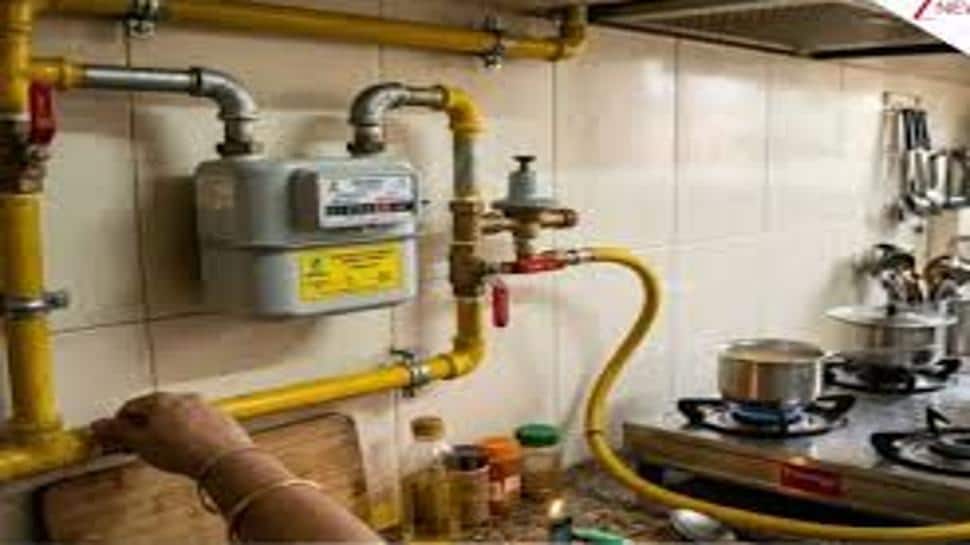
New Delhi: Getting a PNG (Piped Natural Gas) connection is now simple and can be done online from home. It is becoming popular as a cleaner and more convenient alternative to LPG cylinders.
Step 1: Check If PNG Is Available In Your Area
Before applying, you need to check whether PNG service is available in your locality. Different companies provide gas in different cities, so you must visit their website or app and enter your pin code.
Step 2: Apply Online
Visit the official website of your local gas provider
Click on “New Connection”
Fill in your personal details like name, address, mobile number
Submit the application form
Step 3: Upload Required Documents
You will need to upload basic documents such as:
Identity proof (Aadhaar, PAN, Passport, Voter ID)
Address proof (electricity bill, rent agreement, etc.)
Property ownership proof or rent agreement
Passport-size photograph
Step 4: Pay Charges
After submitting the form, you may need to pay a registration or security deposit online. Charges vary depending on the city and provider.
Step 5: Verification And Inspection
Once you apply:
The company checks your documents
A technician may visit your home to check feasibility
They confirm where the pipeline and meter will be installed
Step 6: Installation And Activation
Gas pipeline and meter are installed at your home
Your stove may need a small modification
Connection is activated and ready to use
Can You Keep LPG And PNG Both?
In many areas, the government is encouraging people to switch to PNG. In some cases, LPG supply may be reduced or stopped if PNG is available.
Why PNG Is Becoming Popular
Continuous gas supply (no cylinder booking needed)
Generally cheaper than LPG
Safer and more convenient for daily use
Key Takeaway
Getting a PNG connection is a simple online process—just check availability, apply, upload documents, and complete installation. It offers a hassle-free and reliable gas supply for homes.


